Migrating and Consolidating ROS Workspaces
When moving a ROS robot to a new computer or disk, or sharing one codebase across several robots, the easiest trap is not copying the files: it is leaving the old workspace source chain in the shell. When several catkin workspaces overlap on the same machine, especially with identically named packages, you may not discover which copy is actually running until something fails.
These are my notes from consolidating and migrating workspaces: understand how catkin finds packages, simplify the source chain in order, and finally restore hardware bindings such as udev rules.
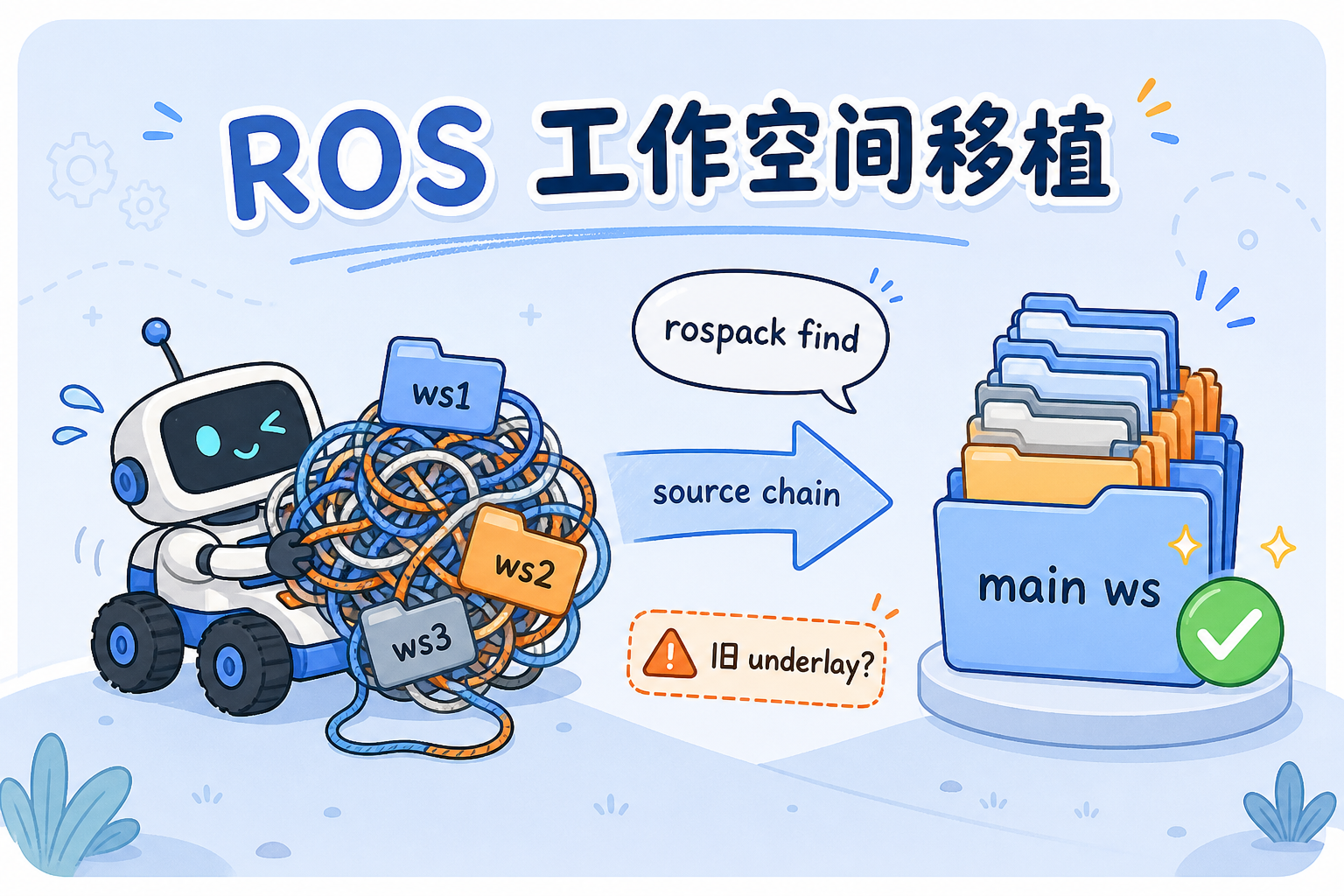
Why consolidate the workspaces?
Typical situations include:
- One robot overlays a main workspace, cartographer_ws, cv_bridge_ws, and other workspaces.
- Different directories contain packages with the same name, such as several copies of
mw_multi. .bashrc, startup scripts, and even a one-offexport ROS_PACKAGE_PATH=...each define their own environment.
Without a deliberate cleanup, the code may compile and the launch file may start while an old package path is still used. My goal is simple: keep one main source chain, extend it with auxiliary workspaces only when needed, and verify the effective package with one command.
How catkin searches for packages
For ROS Melodic and catkin, the overlay rule is:
A workspace sourced later has higher priority.
From lower to higher priority:
Before migrating, you do not need to memorize every path. Answer two questions:
- Which packages does the current task depend on?
- Which workspace do those packages actually come from?
Check the copy currently in effect:
Replace mw_multi with the package you want to check. The output is the path ROS will currently use.
Run rospack find both before and after changing .bashrc or a script, and check whether the path switches to the new workspace.
Migration steps
This is the order I followed. The first few steps address explicit sourcing; step 4 checks the implicit underlay that catkin writes into its setup files at build time.
- Keep one main source chain and retain auxiliary workspaces separately — Put the robot code in the main workspace, such as the consolidated
1raicom_ws. Ifcartographer_wsorcv_bridge_wsis still needed, use it as an auxiliary workspace in the extend chain rather than repeatedly sourcing it alongside the main workspace. Create or select the main workspace and collect the required packages there. Comment out old workspace source lines in.bashrc, keeping only the new main workspace and necessary extensions. Then userospack findto verify important package paths. - Remove manual prepends to ROS_PACKAGE_PATH — Commenting out
sourcelines is often insufficient. A shell or script may contain:This puts old_ws/src first, ahead of the catkin overlay. It affects the session that executed the export and processes launched from that session. Comment out or remove these lines too. Theusernamein the path is a placeholder; substitute your own home directory. - Check sourcing in startup scripts — Editing
.bashrcis not enough. Competition scripts, wrappers around launch commands, andsetup_env.shmay still source the old workspace, so nodes launched through them retain the old chain. Review every entry-point script and make them consistently use the new workspace. - Check whether other workspaces retain the old underlay — When only some workspaces are migrated, remember that
devel/setup.shis a build-time snapshot. catkin records the underlay present in the shell wherecatkin_makeruns. Later,source .../devel/setup.bash --extendcan bring the old chain back. Options include writing asetup_env.shwith an explicit source order, or rebuilding auxiliary workspaces such ascv_bridge_wswith the correct underlay. - Migrate udev serial-port rules — Changing robots or USB ports can change device nodes for the chassis, IMU, and lidar. Copy
config/udev/to the new machine, adjust the rules to the actual ports on the new robot, and reload them.
After changing only .bashrc, rospack find returned the right path, but rosrun from an old script still reported a missing package. The script sourced the old workspace again. Check entry-point scripts and interactive shells together.
How to verify the migration
| Check | How | Expected result |
|---|---|---|
| Package path | rospack find <包名> | A path inside the new workspace |
| Environment | echo $ROS_PACKAGE_PATH | No manually prepended old workspace; empty or otherwise as expected |
| Startup entry points | Search .bashrc and .sh files for source | Only the new workspace and necessary extensions |
| Node startup | roslaunch or preparation on the robot | No package not found errors or wrong package versions |
| Hardware | ls -l /dev/carserial, etc. | Correct udev bindings |
Only after every check passes should you consider archiving or removing the old workspace directories to prevent accidentally sourcing them later.
Summary
Workspace migration is not primarily about copying files. It is about having one runtime overlay chain you can explain: a clear main workspace, auxiliary workspaces extended as needed, and no stale ROS_PACKAGE_PATH entries or old underlays in build-time snapshots. rospack find is a cheap regression check; udev is the hardware step not to forget when switching robots.
If you are consolidating ROS environments across multiple robots, work through the checklist above one item at a time.